If you run more than a handful of Linux servers, you already know the shape of the problem. The boxes are spread across two or three providers — some Hetzner, a couple on DigitalOcean, a few on Vultr — running a mix of Ubuntu and Debian, and none of them has a hosting panel. So the inventory lives in a spreadsheet. Monitoring lives in a second tool. SSH access lives in your ~/.ssh/config and your memory. The fleet isn’t in one place; it’s in three, held together by a tab you keep forgetting to update.
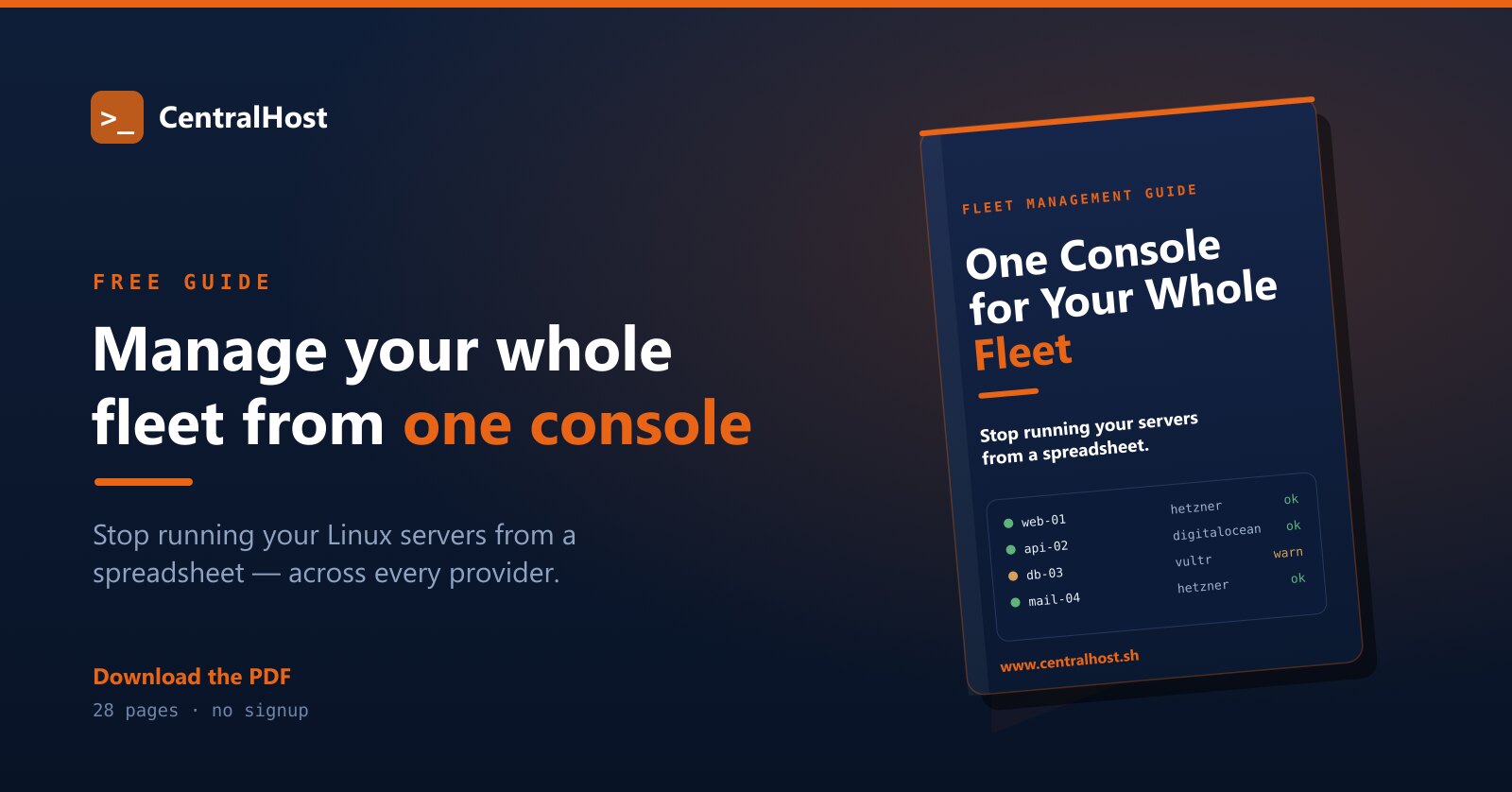
We wrote a free guide for exactly that situation. It’s a practical walk-through of how to manage a fleet of Linux servers across providers from a single console — see every box in one list, know what’s wrong before a client tells you, and act on the right server without first remembering which one it is.
Download the guide — PDF, 28 pages, no signup →
Who the guide is for
It’s written for the people who run mixed fleets without a panel in front of them:
- Agencies and MSPs managing 10 to 50 client servers across different hosts and locations.
- Developers and small teams who outgrew “just SSH into it” but never wanted a heavyweight control panel on every box.
- Anyone keeping track of servers in a spreadsheet plus a separate monitoring tool plus a separate access tool — and tired of the seams between them.
If your unit of work is the fleet but every tool you own operates on a single server, this is for you.
What’s inside
The guide is a tour of how a fleet actually gets managed when you stop treating thirty servers as thirty separate jobs:
- See your whole fleet in one inventory — every server, every provider, one searchable list, organized the way you think (by client, project, OS, or role) instead of by which hosting account it happens to live in.
- Active monitoring and alerts that watch the things that page you at 2 a.m. — disk filling, inodes running out, a mail queue spiking, a service down — and tell you before the client does.
- An admin toolbox that works without a panel — manage the firewall the box already runs, a web application firewall, and your MySQL, MariaDB, and PostgreSQL databases, all from the same place, on every host.
- Roles and permissions for a team — give an operator access to the right servers and the right actions, without handing out root or sharing a login.
- A terminal, a copilot, and an AI assistant — a real shell in the browser, an AI helper docked beside it that reads your screen and hands you the next command, and a deeper assistant that can investigate a problem across logs, metrics, and services and propose a fix behind an approval gate.
Every chapter teaches something that holds up on its own — the product is the worked example, not a wall you hit halfway through.
Why a layer above the box, not another panel
The instinct, when a fleet gets unwieldy, is to put a control panel on everything and standardize. In a real fleet that doesn’t happen: clients own their stack, some servers shouldn’t carry a panel at all, and migrating between panels is a project with its own risk. The fleet you actually run is mixed, and it stays mixed.
The guide makes the case for the other approach — a layer that sits above the servers and talks to the one thing they all have in common: the operating system underneath. A single agent on each host reports engine-native facts — systemd units, the real listening ports, actual disk and inode usage, the mail queue as the MTA sees it — whether or not a panel is installed. One inventory, one search box, one way to ask “which servers have a certificate expiring this month?” and get a fleet-wide answer instead of thirty tabs.
That’s how CentralHost is built, and the guide uses it to show each idea in practice.
Get the guide
It’s a free PDF — 28 pages, no email wall, no signup. Read it end to end or skim the chapter that matches the problem in front of you today.
Download “One Console for Your Whole Fleet” (PDF) →
When you’re ready to stop running your servers from a spreadsheet, start with CentralHost — one console for your whole fleet, across every provider.